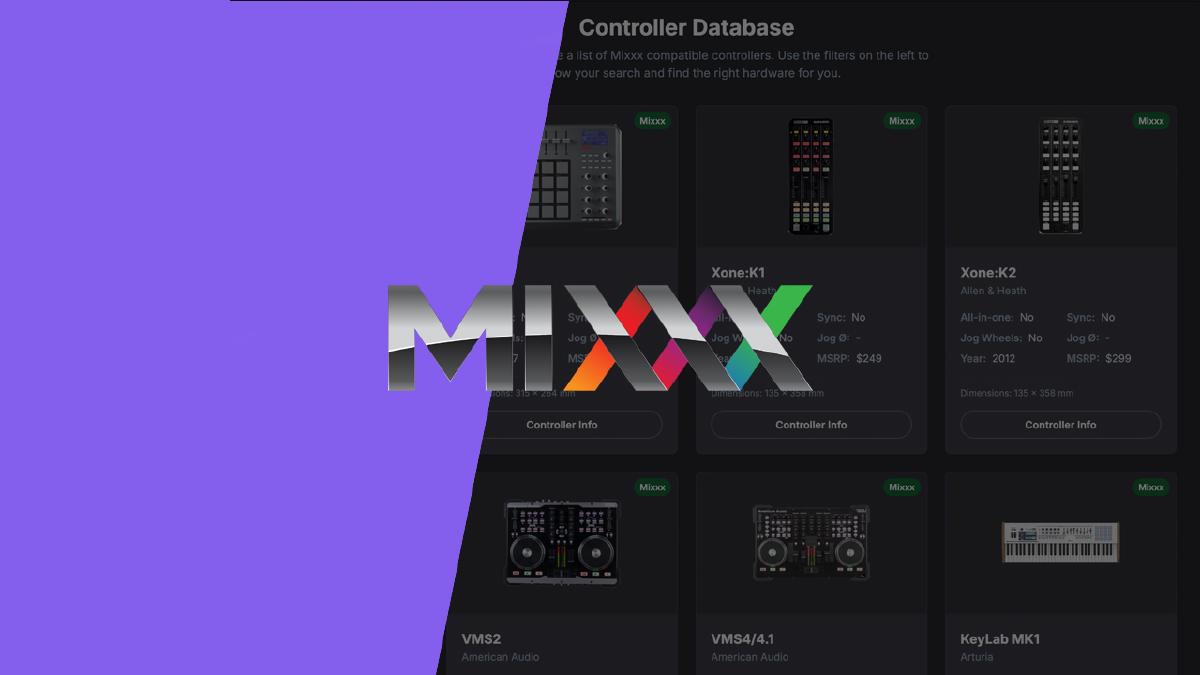
If you’re a fan of the open-source DJ software Mixxx, you know one of its greatest strengths is its ability to work with a huge range of hardware. The problem is finding one that is mapped straight out the box - so I built a visual controller explorer.
The Mixxx Controller Explorer is an interactive, one-page dashboard designed to centralise information about mapping, dimensions and photos of the units themselves and make it easy to navigate.
I originally posted a thread on the Mixxx subbreddit, sharing a spreadsheet I had made regarding Mixxx mapped units. Since then I fell down the rabbit hole of trying to code a visual explorer for this data.
What Is It? #
The Controller Explorer is a visual database of DJ controllers that are known to work with Mixxx, thanks to either official support or custom mappings created by the community. Instead of a static spreadsheet, it’s a dynamic tool that lets you browse the array of compatible hardware and drill down to find exactly what you need.
The goal is simple: to help you visualise the controllers during your search.
Key Features of the Explorer #
I designed the tool with a few key principles in mind: minimal UI, powerful filtering, and direct access to the resources you need.
-
Visualise the Landscape: The dashboard opens with a “Market Overview,” featuring charts that break down all the mapped controllers by manufacturer and year of release. This gives you a bird’s-eye view of which brands are most popular in the community and how hardware has evolved over time.
-
Filter with Precision: The real power lies in the sidebar. You can instantly filter the entire database by a range of criteria. For example, you can find all Pioneer controllers released between 2015-2020 that have jog wheels larger than 140mm and are “Mixxx Supported”.
-
Compare at a Glance: The results are displayed as clear, concise cards, making it easy to compare key stats like jog wheel size (if present), dimensions, and whether a controller is an all-in-one unit or has dedicated SYNC buttons.
-
One-Click Links: Most importantly, each card has a prominent button that links you directly to the Mixxx official documentation or a forum page where the custom mapping file and instructions are located.
Who Is This For? #
I built this for myself actually (ha), but it could be useful for:
- DJs who are new to Mixxx and want to see if their existing controller is compatible.
- DJs looking to buy a cheap, second-hand controller with the confidence that an offical Mixxx or Community mapping for it exists.
- Experienced Mixxx users who want a quick way to explore the landscape of gear features.
Please note: I am a designer, not a developer - so the entirety of this application was vibe-coded using Gemini 2.5 Pro and Windsurf. I’m sure there are more elegant ways to code something like this, however it is just the first version, and I’m excited to continue updating it. Feel free to explore the tool and let me know what you think!
Have a browse on the Mixxx Controller Explorer and see if you can find a controller that’s right for you.
If you notice any controllers that are missing, shoot me a mail at: contact@beatform.com