John - the solo developer behind One Day Code Games - got back to me with answers covering the engineering, the detection methodology, controller support and what’s next for the game. A closer look at DJ Life Simulator.
In the first article (Part One) I gave DJ Life Simulator a first, outside look - what it does, what the store page claims, and where those claims ran into the Early Access feature list. I said I’d take the open questions to the developer directly.
Correction from Part One:
Part One listed headphone cue / pre-listening as missing from Early Access. That’s out of date - John confirms cueing shipped in update 1.158, which is live now. One of the two gaps behind the article’s central concern is already closed.
The Audio Engineering Behind It #
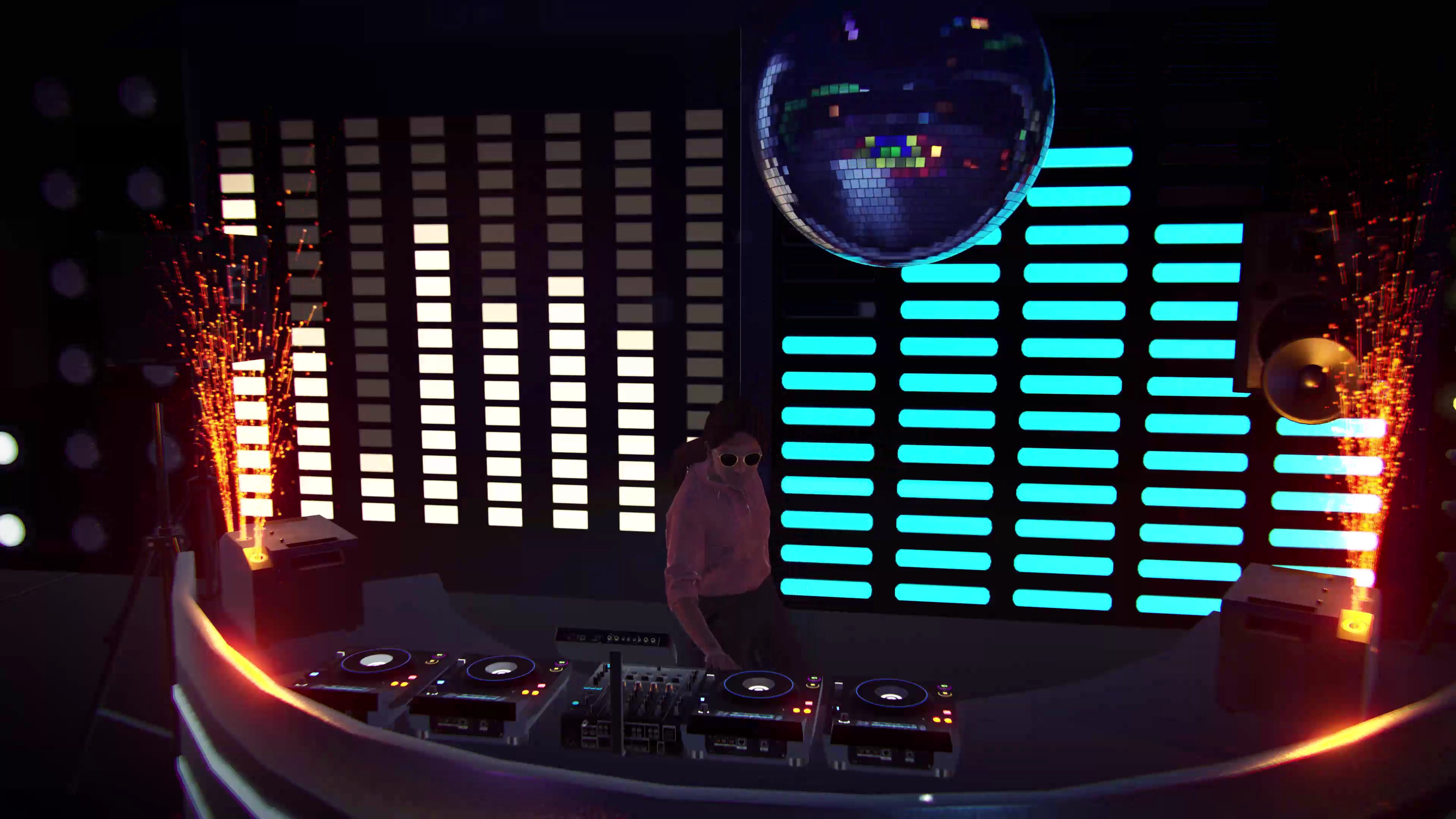
Unity was a deliberate choice, not a default one. John wanted a 3D crowd that dances and reacts in real time, rather than a 2D interface wrapped around a simulator - the kind of thing that makes a set feel like it’s being played for someone.
That choice comes at a cost on the audio side, which he describes as one of the hardest parts of the build. Synchronising two tracks to the millisecond, building loops that don’t click or pop at the seam, and running Master Tempo - changing a track’s speed without dragging its pitch with it - all need audio processing Unity doesn’t hand you natively.
Scratching is the harder problem still, and remains unsolved. As John explains it, “Unity doesn’t have a native, fast and efficient way to play and manipulate a track backwards in real time without adding significant processing overhead.” No timeline was offered, and none was asked for - this is the kind of engineering constraint that doesn’t resolve on a roadmap, it resolves when someone finds the right approach.
How the Detection Actually Works #
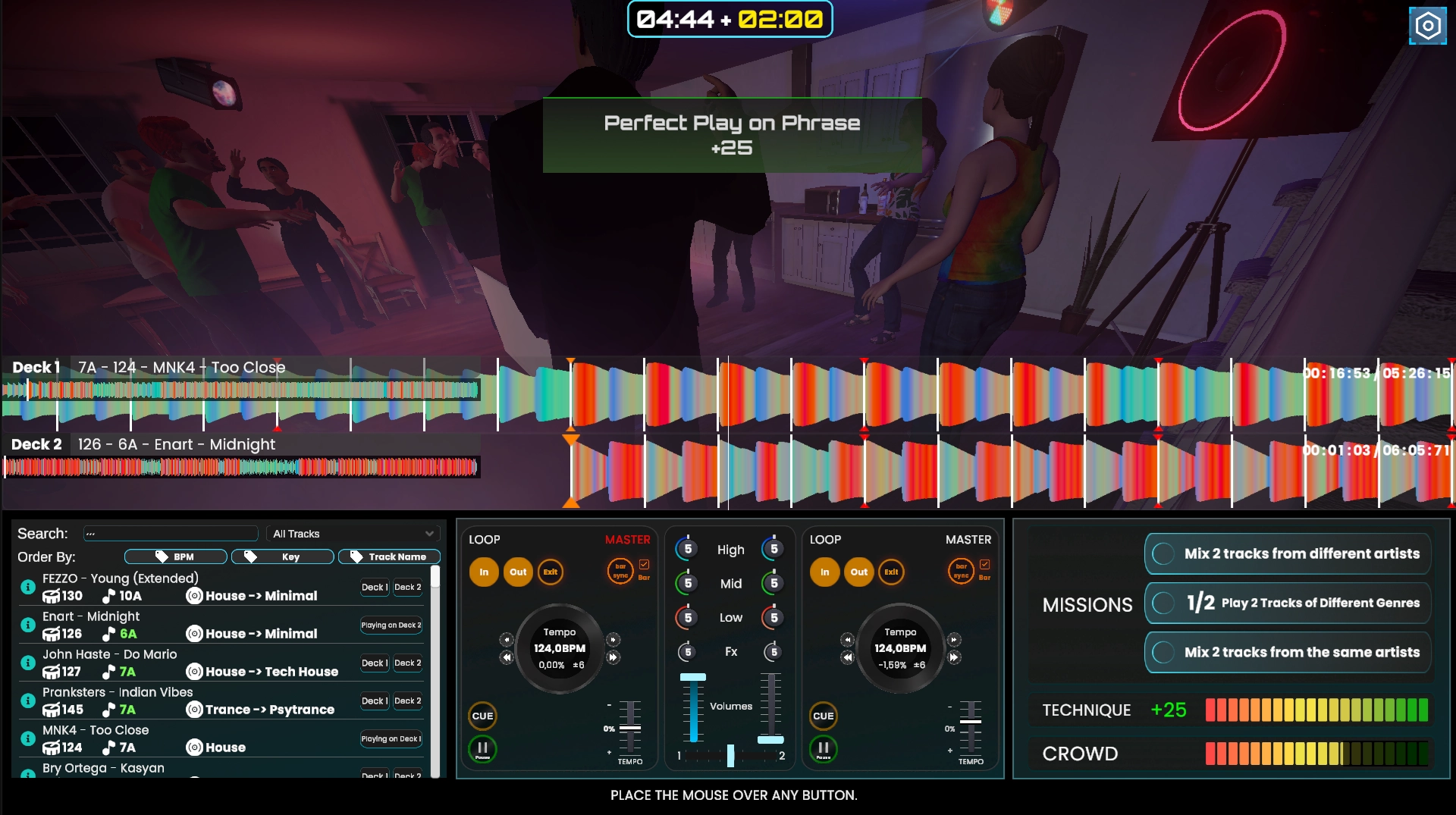
BPM detection works by reading transients in the track - the audio’s rhythmic hits - and it can lose confidence on tracks that don’t open with a clear beat. John points out, fairly, that no tool gets this perfect, rekordbox included.
The ~70% figure from Part 1 needed a footnote: it’s not an external benchmark, it’s John’s own test results - the share of tracks his analysis got right against his own test set during development. Worth knowing before weighing it against a third-party accuracy claim.
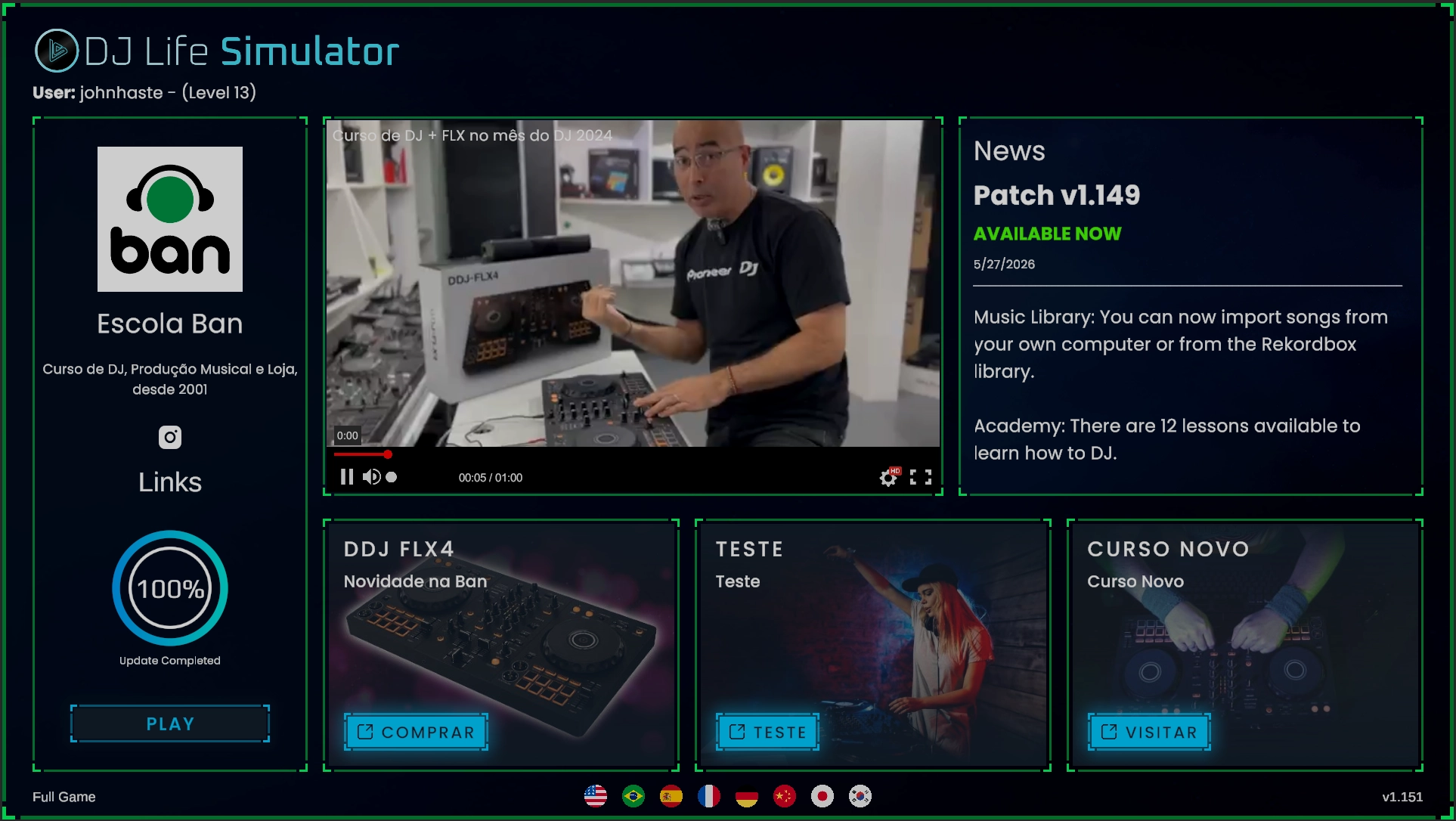
Two mitigations exist. If a track has already been analysed in rekordbox, DJ Life Simulator can import that analysis instead of running its own. And the player can manually correct the BPM at any point if the automatic read is wrong.
Key detection carries a harder problem underneath it: musical key isn’t always a single clean answer. A track can shift key mid-song, or sit ambiguously between two - something a one-line “this track is in X” result can’t represent, no matter how good the frequency analysis behind it is.
The Honest take: Controller Support and Serato #
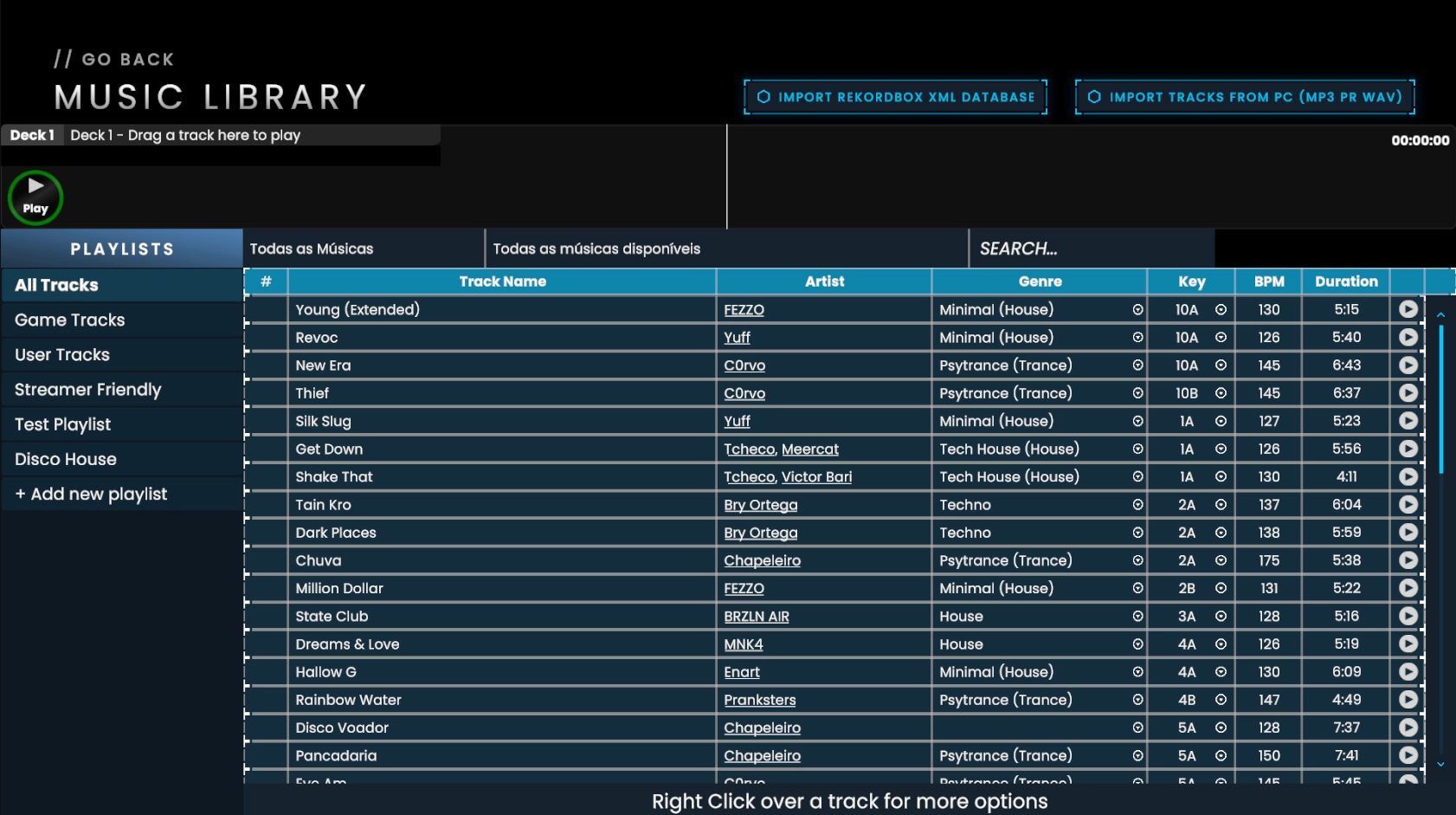
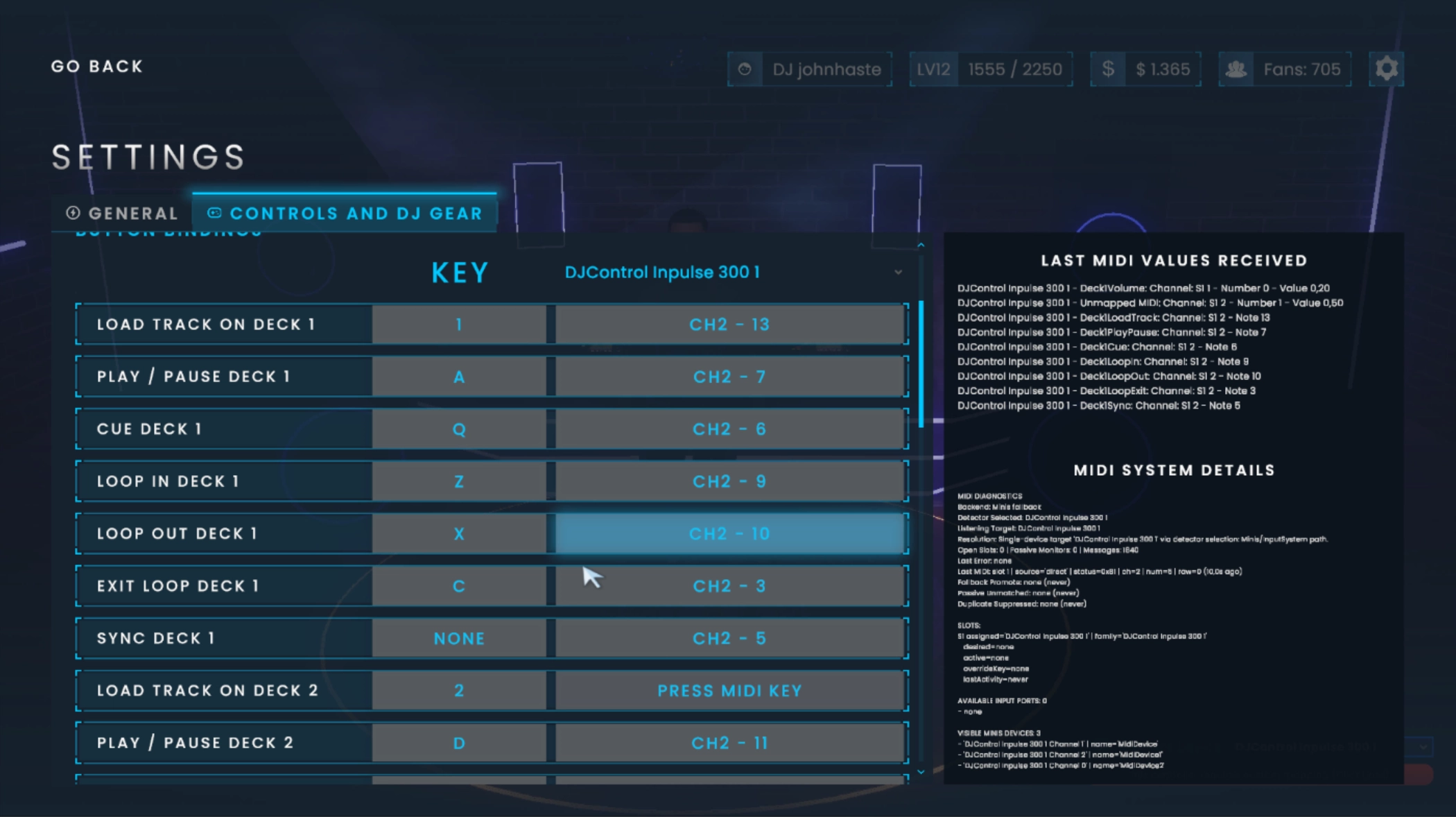
John’s answer here reads more like engineering honesty than marketing caution, which is worth noting on its own. He won’t claim compatibility with hardware he hasn’t personally tested, and without manufacturer partnerships, that’s a real limit - what’s confirmed comes from what he owns, plus what the community reports back once they’ve tried a device themselves.
For everything else, manual MIDI mapping is the fallback: any standard USB MIDI controller has a path in, once mapped. He’s explicit that he won’t say “works with everything” - new hardware ships constantly, and he’d rather under-claim than over-promise.
On Serato specifically: no native software integration, confirmed directly. What exists is hardware compatibility - a DDJ-SB3, for instance, works via a one-time MIDI map, the same as any other controller. That matches what Part One flagged from the r/Serato thread, now confirmed at the source rather than inferred from a comments-section correction.
Inside the School Panel #
The teacher-facing panel is more detailed than Part One assumed. Teachers can see, per student:
- total practice time
- which tracks they’ve been using
- individual session details
- strengths and common mistakes
- the BPM ranges and genres they play most
- lessons completed and scores
The stated intent is actionable - giving a teacher enough to decide what the next lesson should actually focus on, rather than a vanity dashboard.
What John’s answer didn’t cover: where that student data lives, whether it’s exportable or deletable, and what happens to a school’s stored records if the licence lapses.
Beyond the Store Page #
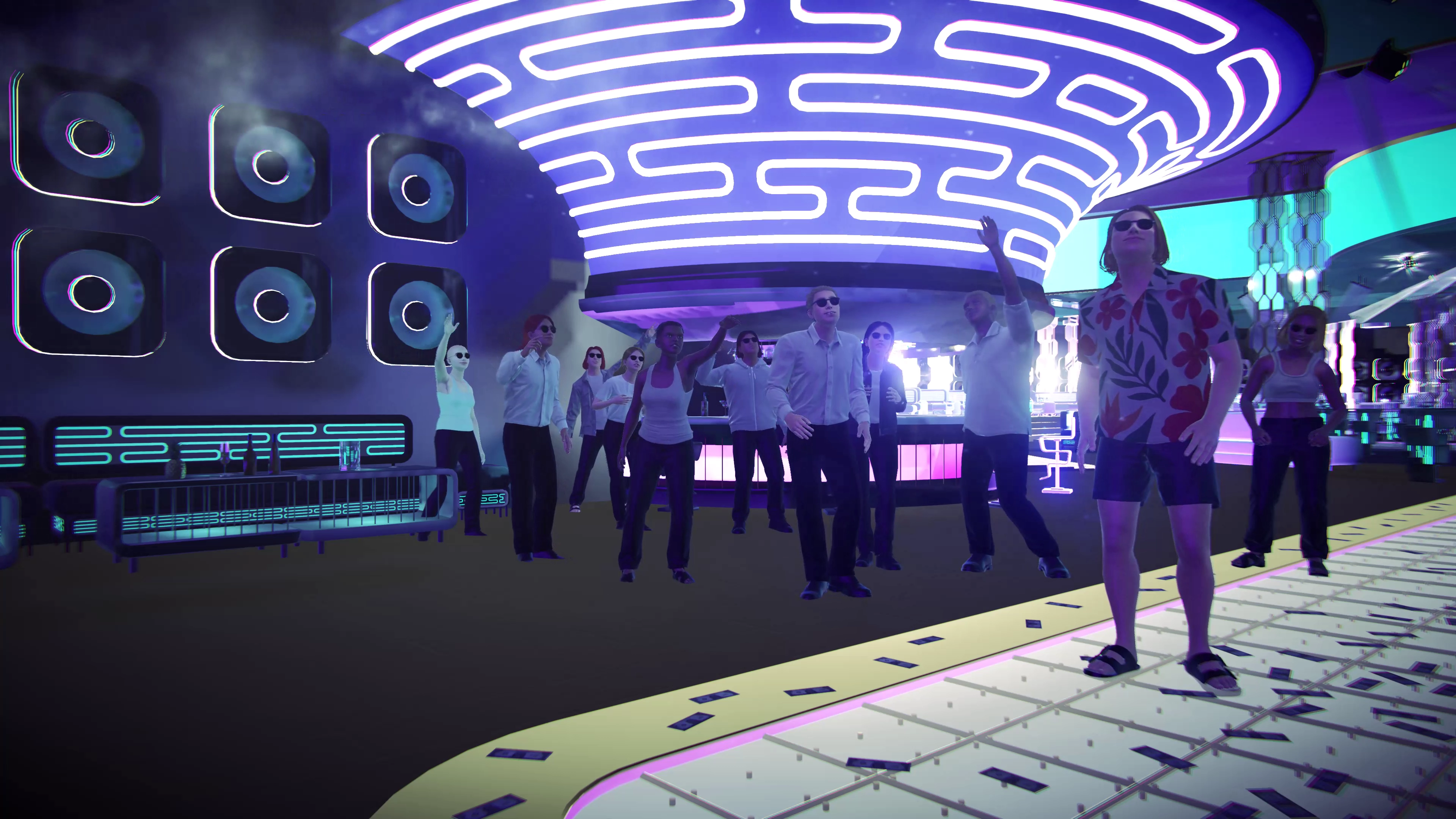
When asked to show something that isn’t on the store page, John offered two things still a way off. One is having partner DJs appear as playable characters in-game - parked until there’s budget for the extra 3D character work. The other is bigger: an eventual online multiplayer mode, DJs playing B2B together, with other players able to join as audience, dance and hang around a set the way they might in a real room.
This creates an interesting potential for the game to become more like a virtual reality environment - one where performances are not limited to one place. Users, both DJs and audience, can partake in an interactive experience centred around music, but living purely in virtual space.
These are both are framed as direction, not commitments - long-term shape rather than a dated roadmap item, and worth treating that way.
Where This Leaves the Verdict #
Part One’s central tension was the “100% transferable” DJ skills claim running into a feature list with real gaps at the time (no headphone cue/pre-listening, scratching, Performance Pads, or Beat FX). That’s narrower now than it was: cueing, one of the two skills flagged, is already live. Scratching remains genuinely absent, with a technical explanation that holds up rather than a vague “coming soon.” Performance Pads and Beat FX weren’t addressed in this round, so their status stays open rather than assumed either way.
What stood out across every answer wasn’t the specific technical detail so much as the posture - John corrected the article without being asked twice, was specific about what he can’t verify (hardware, key detection edge cases), and separated internal test figures from independent ones without needing to be pushed on it. That’s the right instinct for an Early Access build, and it’s the reason this is a more favourable update than a straight fact-check would suggest.
Questions still open: the specific pricing and lock-in terms, and how it stacks up against just running Mixxx for free.
A big thanks to John for taking the time to answer my questions.
Check out DJ Life Simulator here.
Seen the update play out for yourself, or tried DJ Life Simulator? I still want to hear from anyone using it to teach learn: contact@beatform.com